Finished Track
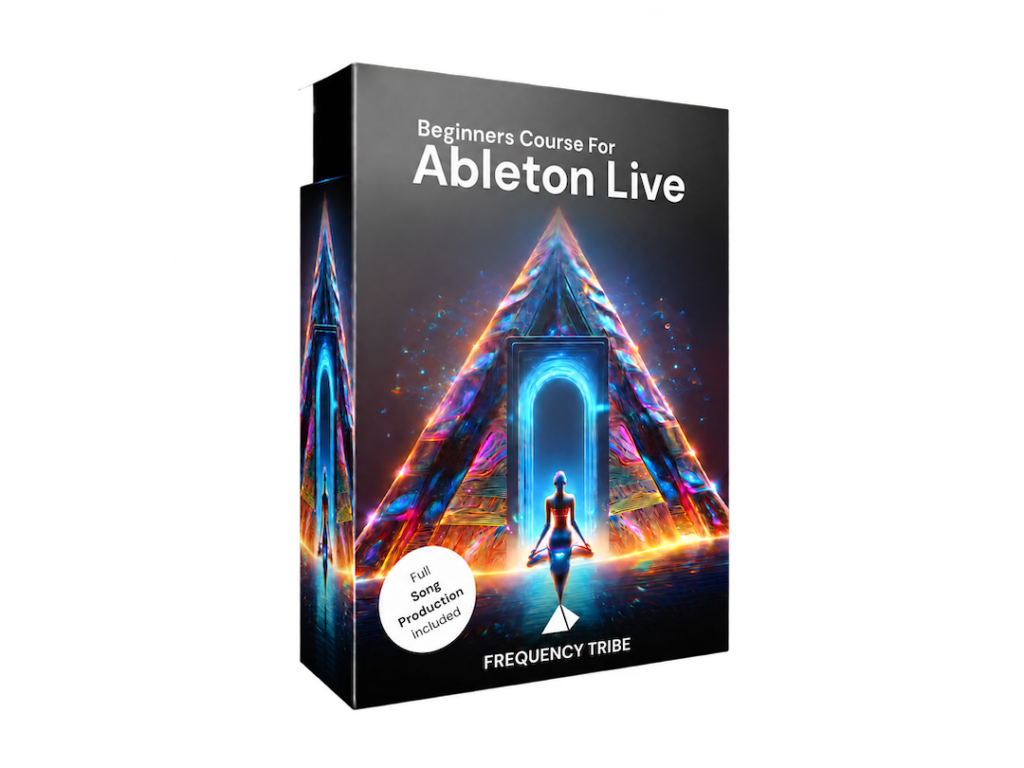
Learn how to use Ableton Live, step by step, inside a real project I built for you so that you can walk away knowing how to use it.
Not a blank screen. A real electronic track with drums, bass, vocals and a healing frequency woven in, used as your example project to learn the full workflow.
You’ll create your own instrument from scratch, play it with nothing but your computer keyboard, and record your first melody inside it.
How to record in a loop, keep your best takes, and never worry about losing a recording, even if it didn’t go right the first time.
A simple, forgiving way to fix a melody that wasn’t recorded perfectly on time, so your first take never has to be your final take.
The one distinction that makes the rest of Ableton make sense, explained without jargon.
Solo, mute, volume, record arm, the browser. The handful of buttons that cover almost everything you’ll do as a beginner.
How a song actually builds tension and releases it, and how to shape that movement yourself using the clips you’ve made.
Turning your own arrangement of the course project into a real, exported file – so you leave with something real in your hands, and the exact workflow to do this again with your own material.
Every beginner is different, but the course moves through the same natural stages.
We start by setting up Ableton and opening a real, pre-built project together, so you have something to listen to and explore before you create anything yourself. No blank screen, no overwhelm.
You create your own instrument, record your first melody, and learn how to fix it when it doesn’t sound quite right yet. This is where Ableton stops being a mystery and starts being yours.
You take what you’ve built and shape it into a full track, start to finish, guided by a real example. Then you export it. That’s your first finished track.
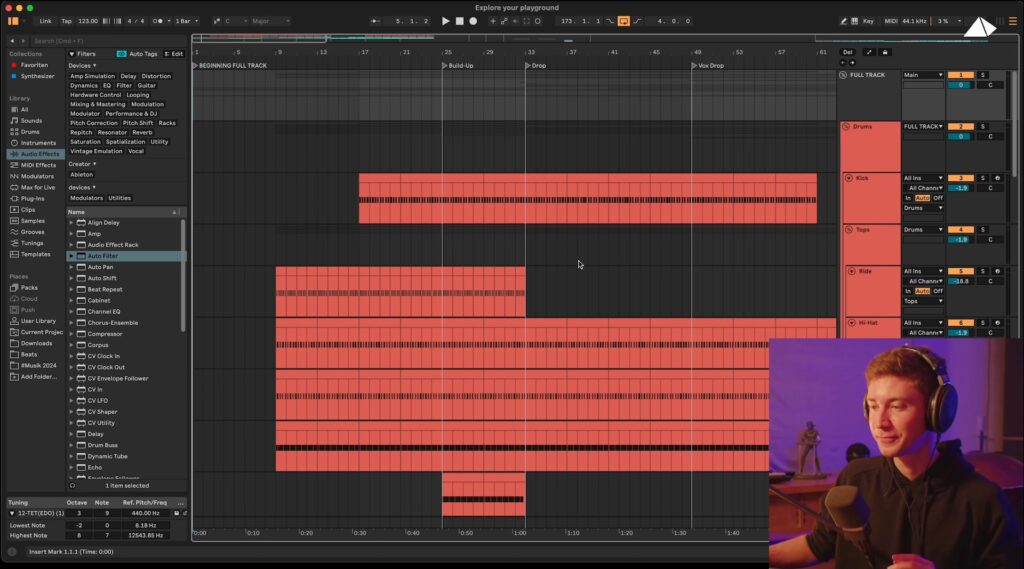
Short enough to watch in one sitting, structured so you can also pause and work alongside me, module by module, at your own pace.
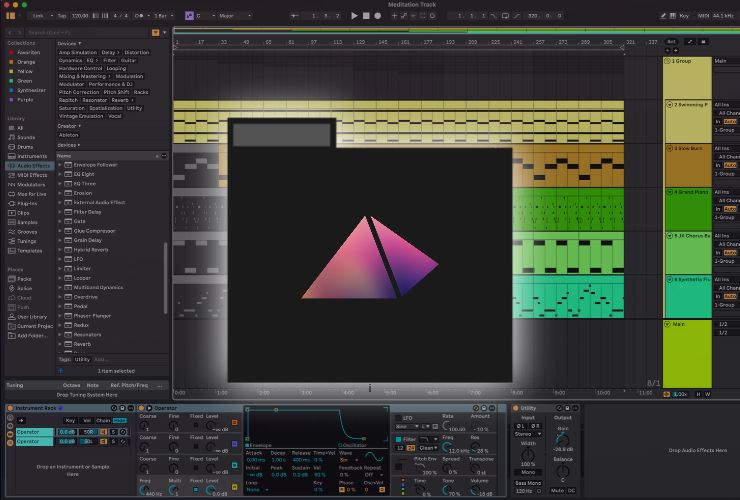
The exact project used throughout the course – a full, pre-built track with drums, bass, vocals and a frequency layer – included as a direct download. This is what you’ll open, explore, and build on from the first video.
Ableton Live runs on both. The course also covers the free 30-day trial, so you don’t need to own the software before you start.
Your computer keyboard is your instrument for this entire course. No MIDI keyboard, no interface, no extra gear needed to get through it.
Watch it once, or come back to any module whenever you need a refresher.
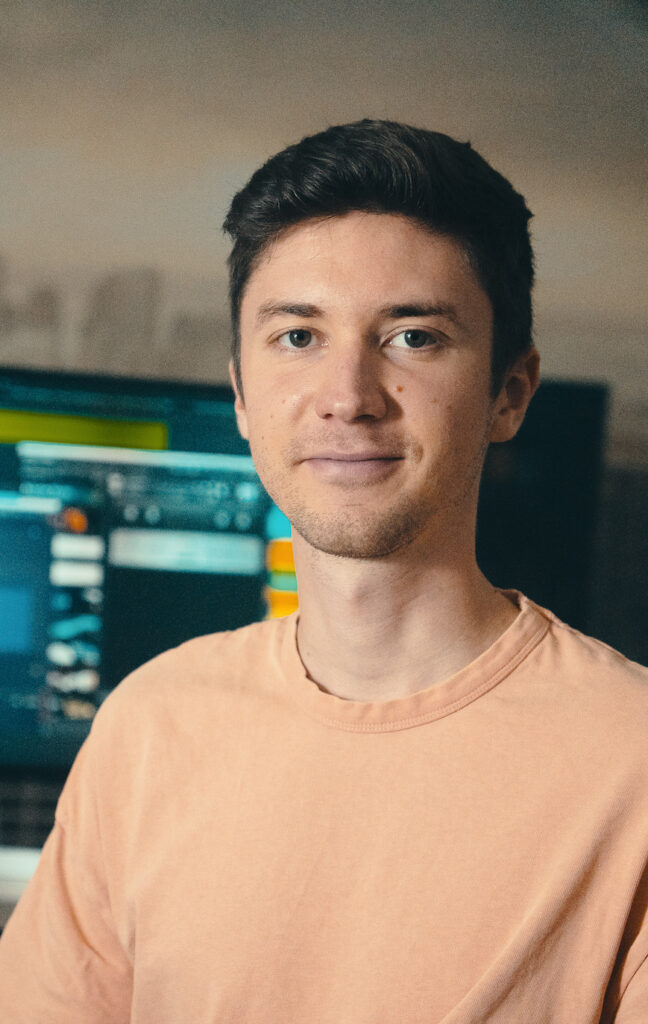
I’ve spent years teaching at one of Germany’s largest online music production schools, and given feedback on more than 3.000 student productions. Through a burnout and my own spiritual awakening, I discovered the healing power of sound. Since then I work as a sound healer and conscious music producer, so I speak both languages – technical and intuitive.
In 2024, other healers starting reaching out and asking whether I could teach them how I make my healing music. That’s when I started teaching again, but this time with more depth and calm.
My own music lives under projects like FREQUENCY CHAMBER and FREQUENCY33. I make what I teach & love, every day.
One payment. Lifetime access.
No. The course walks you through getting the free 30-day trial, and shows you exactly what to set up before you open your first project.
None. This course is built for people who have never touched a music software before. You don’t need to read music or own an instrument.
No. Your computer keyboard works as your instrument for everything in this course.
No. You work inside a project I already built, learning every step by actually doing it, recording, editing, arranging, exporting. That hands-on process is what teaches you Ableton. Once you’ve got it, you have everything you need to go make your own original music.
No. The project you work inside is a real composition I made, and it stays mine. What you make during the course is for learning, not for release. Once you’ve learned the workflow here, you have everything you need to go make and release fully original music of your own.
The videos are around 70 minutes total, but give yourself a bit more time to actually work through both exercises alongside me – most people spend 2-3 hours start to finish.
No. The example project happens to be an electronic track with a healing frequency embedded in it, but this course isn’t about that genre specifically. It’s about learning Ableton itself: recording, arranging, exporting. Those skills apply no matter what you end up making, techno, ambient, meditation music, anything.
No. Once you get access to the course, it’s yours, but we don’t offer refunds.
Everything you need to actually understand Ableton is right here – hands-on and inside a real project. No prior experience needed. Just you, a laptop, and a few hours.